

Teams and Portals
Organizations
Shared Studio workspaces for teams: Manage menu map, My Progress, and links to create, join, and admin settings.
An organization is a shared Studio workspace. Members create labs, courses, and stepflows together; admins control membership, billing, domain, and branding.
Create or join
| Action | Where |
|---|---|
| Create | Org switcher → Create organization |
| Join | Org switcher → Join organization (invite code or email link) |
Full walkthrough: Create and join an organization.
After you create or join, switch to the org from the Studio org switcher. Content stays in the workspace where it was created unless you submit a lab from personal to org.
Organization settings (Manage)
Path: Organization settings (Manage)
| Page | Purpose |
|---|---|
| Overview | Org usage snapshot |
| General | Profile, logo, cover, socials, category |
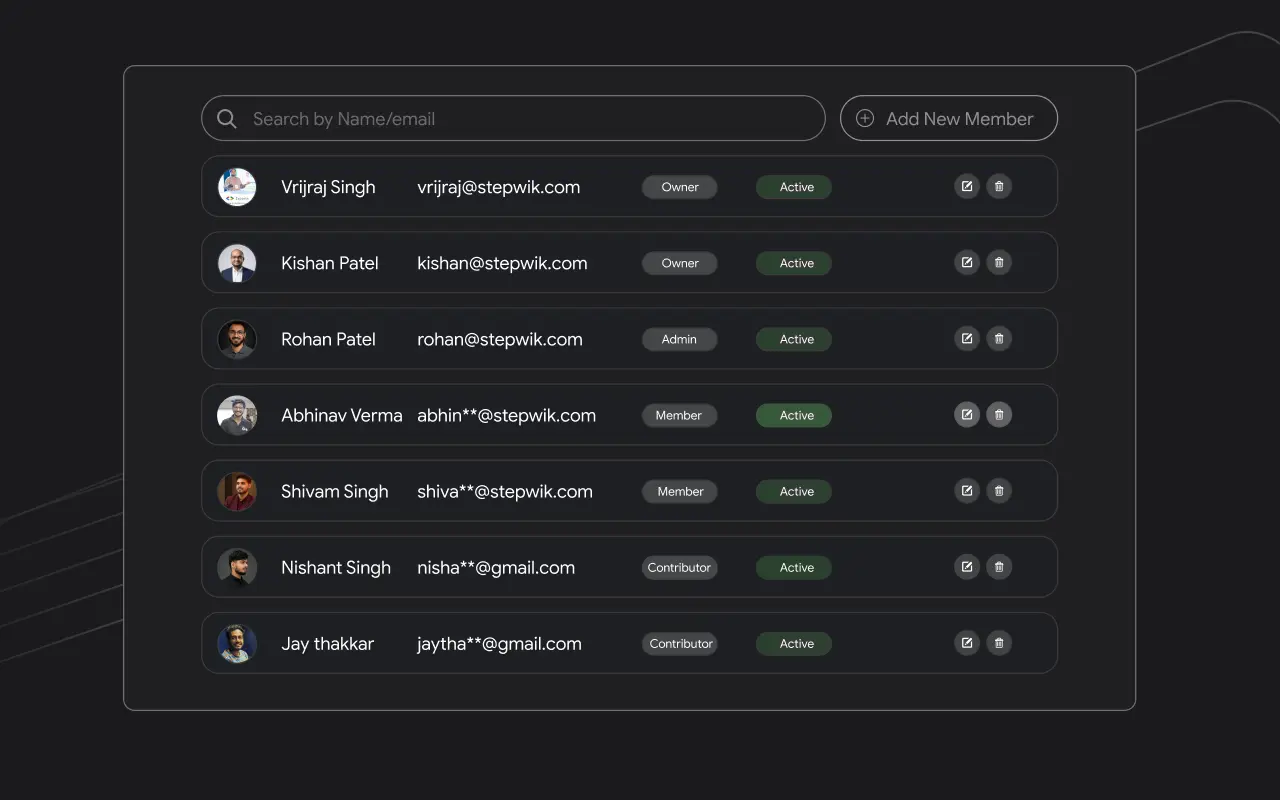
| Members | Invite and manage people |
| Roles | System and custom roles |
| Submissions | Review personal→org lab submissions |
| Domain | Subdomain (custom domain coming soon) |
| SEO | Portal metadata and social image |
| Billing | Plan, seats, invoices |
| Settings | Ownership transfer and delete |
Create and join
Create a workspace, set a subdomain, or join with an invite code.
Organization settings
Transfer ownership or permanently delete the org.
Members and roles
Invite people and assign system or custom roles.
Lab submissions
Review personal→org lab submissions.
Domain and SEO
Configure the org hub subdomain and metadata.
Branding
Logo, cover, and org profile fields.
Billing
Plan, seats, and invoices for the org.
My Progress (org)
Org workspaces include My Progress for labs you started as a learner: in progress vs completed, with continue / review actions. See My Progress.