

Getting Started
Introduction
What Stepwik is, the use cases it serves, key concepts, and where to go next.
What is Stepwik?
Stepwik turns static documentation into interactive, step-by-step labs and courses, with AI tools to generate and publish content in minutes.
Instead of sending users to a wall of text, you give them a guided lab: a structured, hands-on guide they can follow at their own pace. Teams use Stepwik to onboard customers faster, teach developers how to use their APIs, and run internal training programs, all from one workspace with built-in analytics, AI authoring tools, and publishing controls.
What you can build
Customer onboarding
Replace long setup guides with interactive labs that walk new users through your product hands-on.
Developer education
Publish API tutorials and SDK walkthroughs developers can complete step by step.
Employee training
Run internal courses for onboarding, compliance, or process docs, with certificates on Organization.
Key concepts
| Term | What it means |
|---|---|
| Lab | A single, interactive, step-by-step guide. The primary content unit in Stepwik. |
| Course | A collection of labs grouped into a structured learning path. |
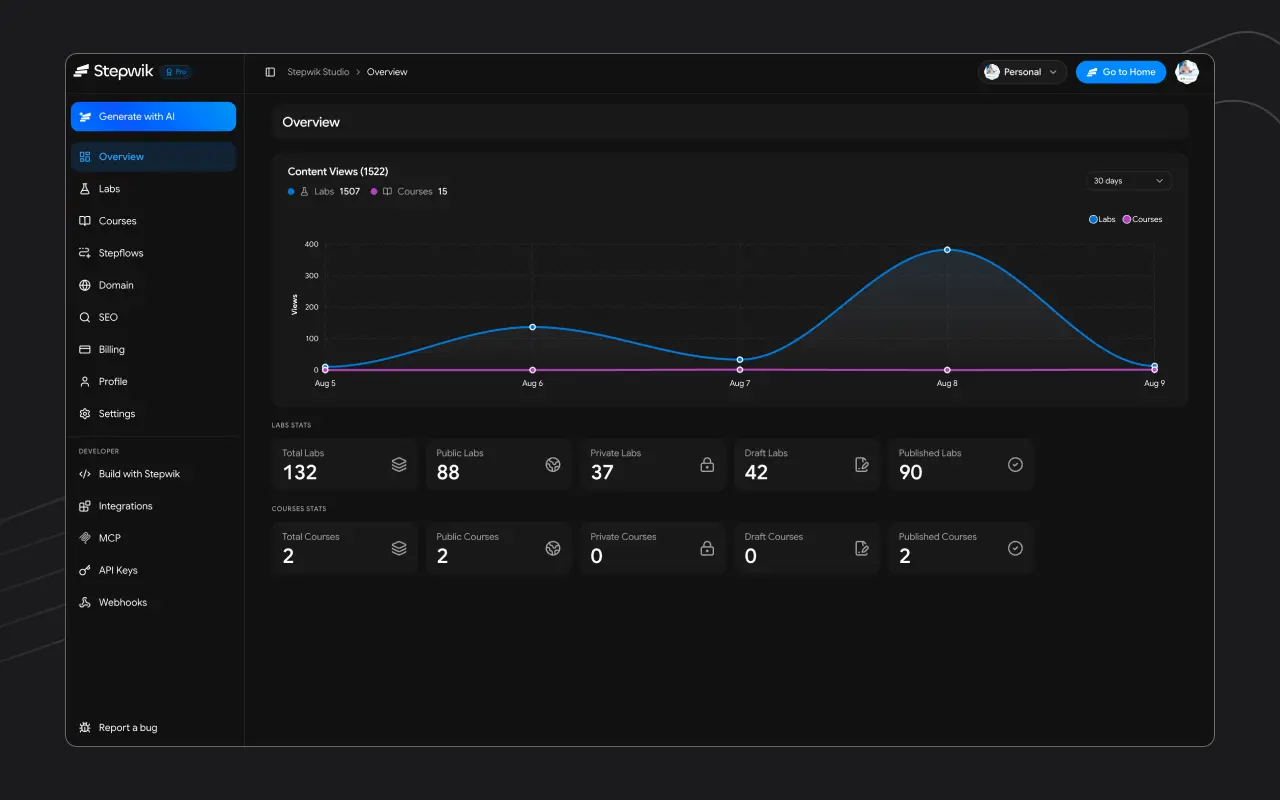
| Studio | The Stepwik authoring environment where you create and manage all your content. |
| Step | An individual section within a lab. Each step has its own title and content. |
| Stepflow | A guided UI / product walkthrough built from screenshots and annotated steps. |
Get started in minutes
Create an account
Sign up at stepwik.com/signup with email or Google. No credit card required.
Open Studio
Land in Studio and create a blank lab, or generate with AI from GitHub, PDF, or Google Slides.
Publish and share
Set visibility and share the link. See Publish and share.
Next steps
Take a lab
Find a published lab, work through steps, and track progress as a learner.
Quickstart
Create and publish your first interactive lab in under five minutes.
Studio
Learn the authoring workspace and sidebar.
Labs overview
Structure, visibility, and best practices for labs.
Generate with AI
Draft a lab from GitHub, PDF, or Google Slides (Pro+).