

Teams and Portals
Domain and SEO
Set your Stepwik subdomain, portal SEO metadata, and appearance for personal or organization hubs.
Every workspace can publish a learning hub on a Stepwik subdomain. Portal SEO and appearance are configured in Studio separately from per-lab SEO.
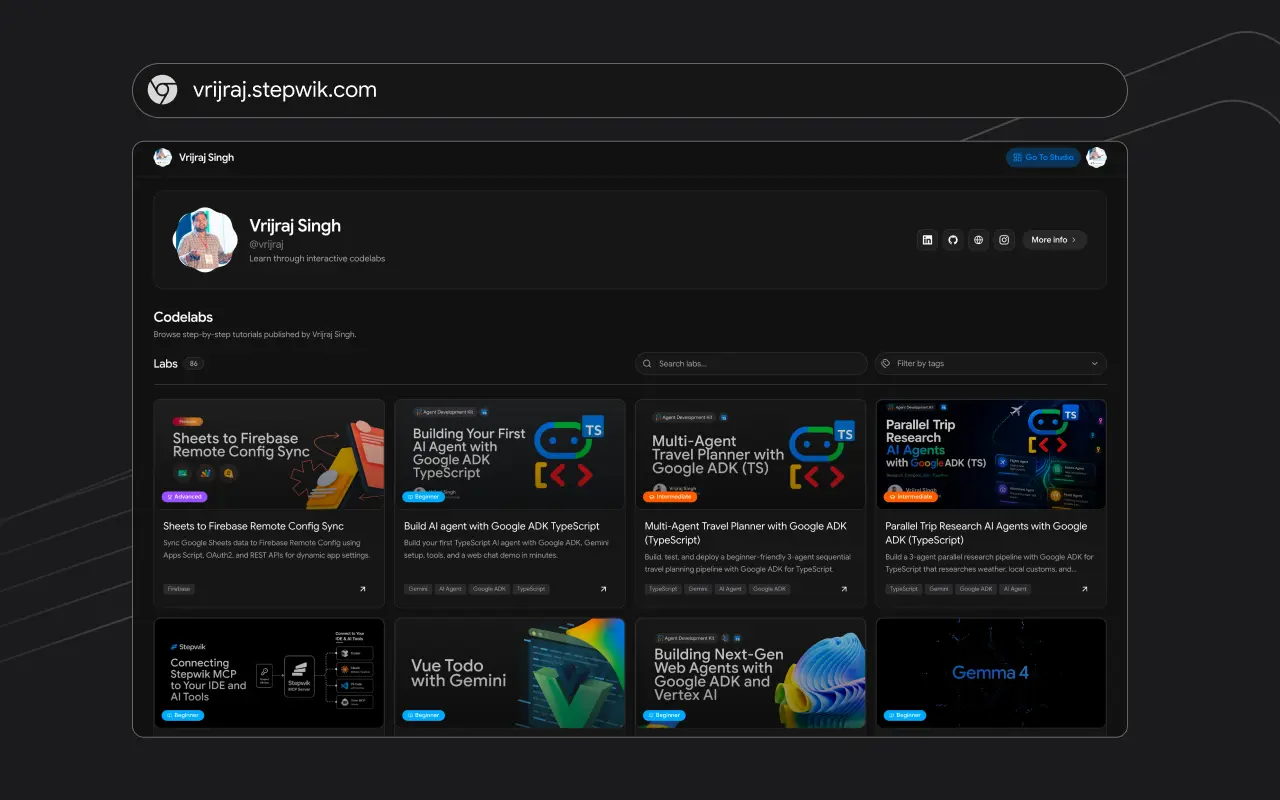
Domain
| Workspace | Path |
|---|---|
| Personal | Domain |
| Organization | Manage → Domain |
Subdomain
Open the Subdomain tab
Open the Subdomain tab.
Enter a handle
Enter a handle (3-15 characters, lowercase letters and numbers only).
Save
Save Update subdomain.
Preview
Use Open Subdomain to preview the live hub.
Custom domain
The Custom Domain tab is in Studio as Coming soon. Until it ships, use your *.stepwik.com subdomain for the public hub. See plan notes on Branding.
Portal SEO
| Workspace | Path |
|---|---|
| Personal | SEO |
| Organization | Manage → SEO |
Fields
| Field | Limit | Notes | | --- | --- | | SEO title | 140 | Falls back to publication name if empty | | Meta description | 320 | Falls back to about text if empty | | Keywords | 500 | Comma-separated | | Open Graph image | 3 MB | Cropped ~1.91:1; used for social previews |
Studio shows Google and social live previews while you edit.
Appearance (personal workspace)
On personal SEO you can also upload:
- Logo (about 4:1, ≤1 MB)
- Favicon (1:1, ≤0.5 MB)
For organizations, logo and related branding live under Manage → General. See Branding.
Lab-level SEO
Title, description, and share previews for a single lab are set when you publish, not on the portal SEO page.