

Labs
Collaboration
Invite co-authors to edit labs in real time, track changes, leave comments, and ship better content as a team.
Stepwik's real-time co-authoring lets multiple people edit a lab at the same time. Changes appear live, without conflicts or version mismatches. Whether you're a DevRel engineer keeping docs in sync with a product release or a technical writer refining a tutorial with an engineer, collaborative editing removes the back-and-forth of shared documents.
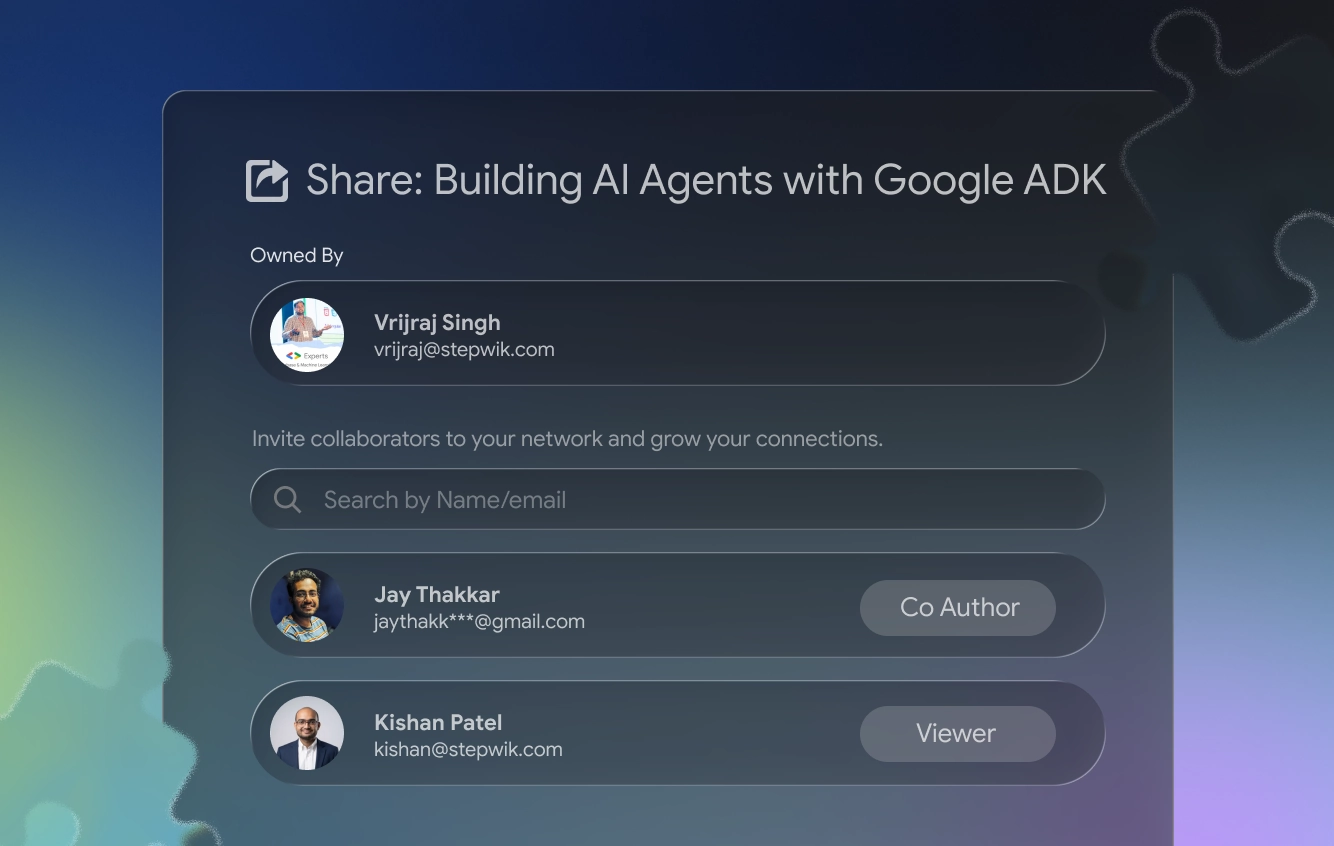
How real-time co-authoring works
When two or more co-authors have a lab open in Studio, their cursors and edits appear in real time. You see who is editing which step, and changes sync automatically. There's no need to manually save or merge work.
Invite a co-author
Open the lab
Navigate to your lab and open it in Stepwik Studio.
Add a co-author
In the top toolbar, click Share, then select Add co-author.
Send the invitation
Enter their email address and send the invitation. They'll receive an email with a link to access the lab.
Edit together
Once they accept and open the lab, you'll both see each other's cursors and edits in real time.
Co-author limits apply per lab:
| Plan | Max co-authors per lab |
|---|---|
| Free | 2 |
| Pro | 5 |
| Organization | Custom: contact us |
Track changes (version history)
Each lab section has Document versions:
Open History
In the section toolbar, click History.
Save or compare
Save a named version, or open a previous version to compare (green = added, red = removed).
Restore if needed
Restore a version into the current section editor. Other sections are unchanged.
Full details: Version history.
Comments and discussions
Leave inline comments on any step to flag issues, ask questions, or suggest improvements without changing the content itself.
- Add a comment: Select text or click the comment icon next to a step, then type your note.
- Reply to a comment: Comments support threaded replies so discussions stay in context.
- Resolve a comment: Mark a thread as resolved once the feedback has been addressed. Resolved comments are archived but not deleted.
Use comments to assign ownership during reviews: for example, "Sarah: please verify the command in step 3", instead of managing feedback in a separate document.
Who benefits from real-time collaboration
Engineering teams
Keep developer documentation up to date as code changes. Engineers update technical steps while technical writers polish language at the same time.
DevRel and writers
Co-author tutorials that combine developer accuracy with polished, learner-friendly writing.
Training teams
Build onboarding courses together across HR, engineering, and product, then publish to a private hub for new hires.
Open source communities
Multiple contributors can improve public labs without forking or merging separate copies.
Tips for effective collaboration
- Assign sections before you start. Decide upfront who owns which steps to reduce overlap and conflicts.
- Use comments for questions. If you're unsure about a step, comment on it rather than editing speculatively.
- Review before publishing. Have at least one co-author do a final read-through in preview mode before you click Publish.
- Check history after a session. A quick scan of recent revisions helps everyone stay aligned on what changed.
Related
Version history
Save, compare, and restore per-section Document versions.
Reader feedback
Messages from learners on published labs (not co-author comments).
Editor
Rich text editing, slash commands, and step management.
Publish and share
Set visibility and share once the team is ready.
Organizations
Shared workspaces, roles, and team content ownership.
Account setup
Plans and co-author limits for your workspace.