
Release notes
AI Codelab Generation, Progress Tracking, Google Analytics, Mermaid & Figma Integration
Smarter AI codelab generation, progress tracking, Google Analytics, Mermaid diagrams, and Figma embeds so teams can create and measure better developer learning experiences.



Vrijraj Singh, Kishan Patel, Rohan Patel
3 authors
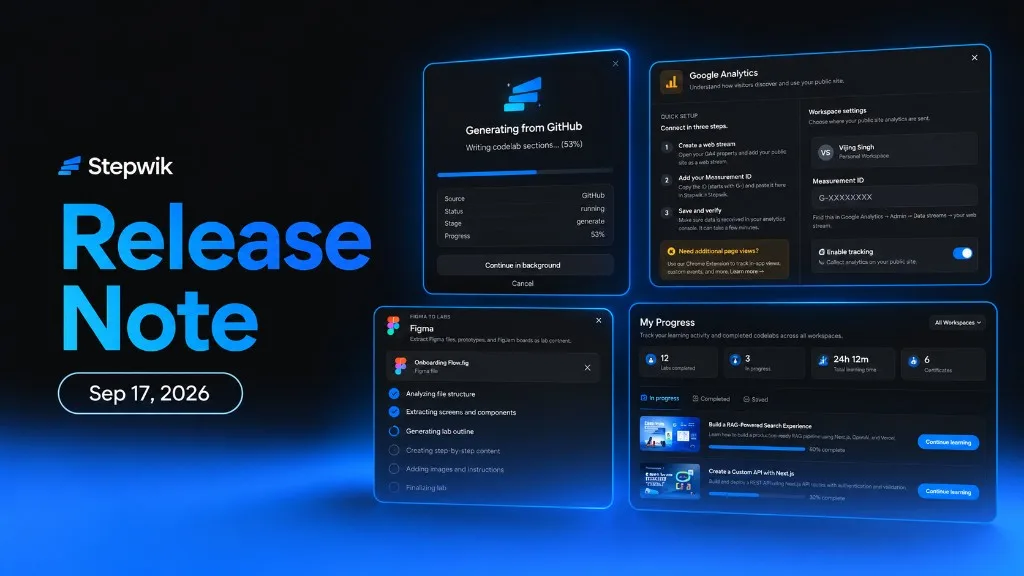
We’re excited to introduce a new set of updates designed to help developer advocates, technical authors, and organizations create better interactive learning experiences, and understand how developers actually engage with them.
This release brings improved AI codelab generation, progress tracking and analytics, Google Analytics integration, Mermaid diagrams, and Figma embeds.
Improved AI Agents for Codelab Generation
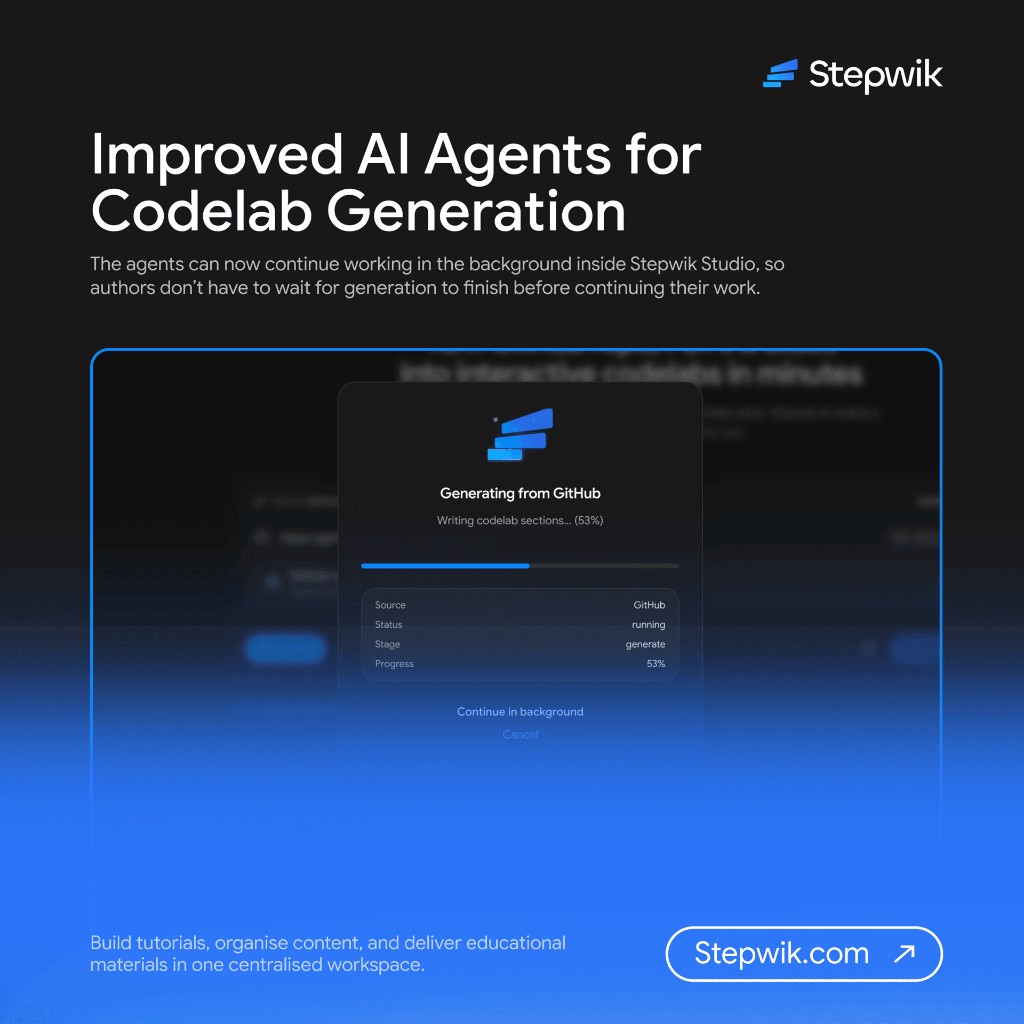
Creating high-quality codelabs with AI is now more powerful and seamless. We’ve improved Stepwik’s AI agents for generating codelabs from:
- GitHub repositories
- PDF documents
- Google Slides
The agents can now continue working in the background inside Stepwik Studio, so authors don’t have to wait for generation to finish before continuing their work.
We’ve also improved the generation pipeline to produce more structured, useful, and higher-quality codelabs, with generated labs now targeting a quality score of up to 85%.
What’s improved
- Background AI generation
- Better understanding of source content
- Improved codelab structure
- More useful step-by-step instructions
- Better content organization
- Higher-quality generated labs
- A smoother authoring experience
Start the generation, continue working in Stepwik Studio, and let the AI agents handle the rest.
Check the Generate labs docs.
Introducing Progress Tracking
Publishing a codelab is only the beginning. Understanding what happens after developers start using it is just as important.
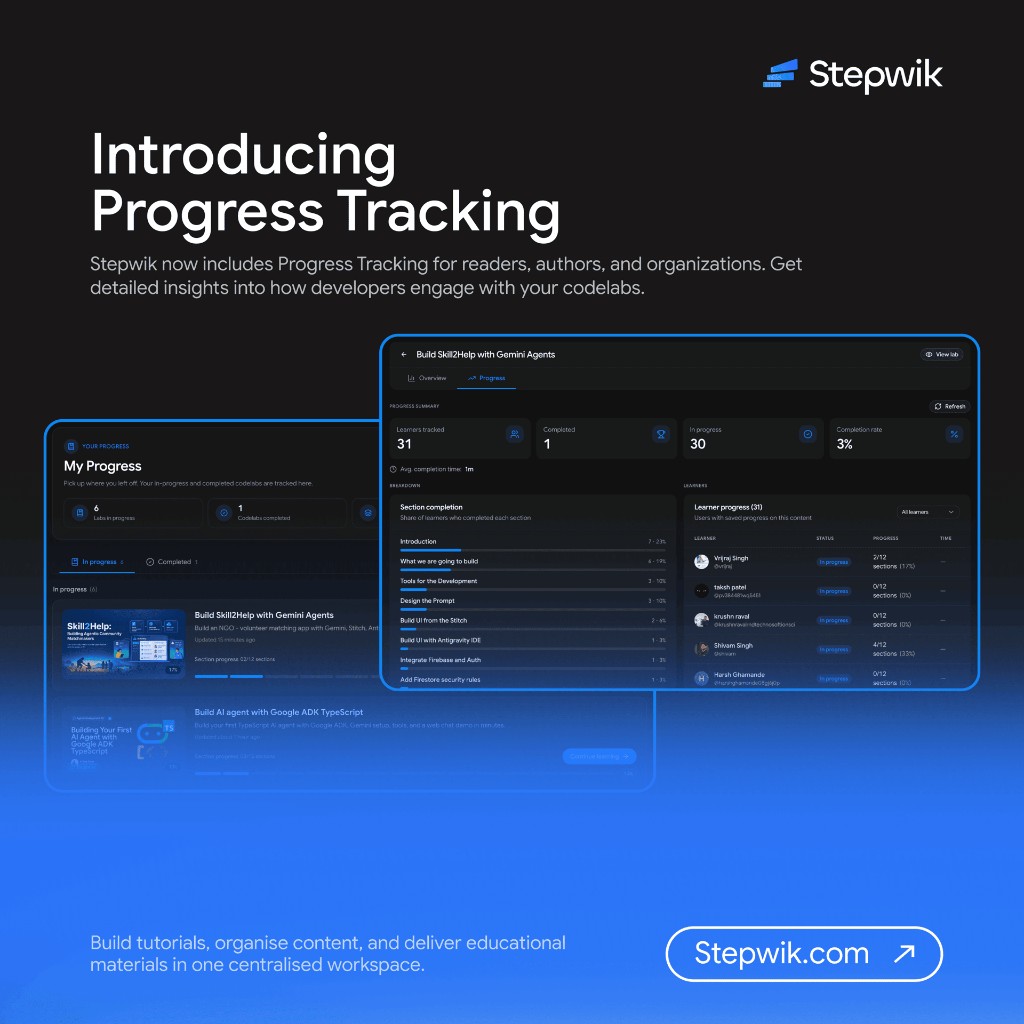
Stepwik now includes Progress Tracking for readers, authors, and organizations.
For Authors & Organizations
Get detailed insights into how developers engage with your codelabs. Track metrics including:
- Number of users engaging with a codelab
- Codelab starts and completions
- Completion rate
- Progress across individual steps
- Time spent completing each step
- Overall time to complete a codelab
- Where readers are progressing or dropping off
These insights help developer advocates and technical authors identify difficult steps, understand engagement, and continuously improve their learning content.
For Readers
Readers no longer have to worry about losing their place.
Partially completed codelabs are automatically available under My Progress, making it easy to return and continue learning from where they left off.
Learn at your own pace. Stepwik keeps track of the rest.
Check the My Progress and Analytics docs.
Google Analytics for Your Stepwik Subdomain
Want to understand how developers discover and use your public Stepwik site?
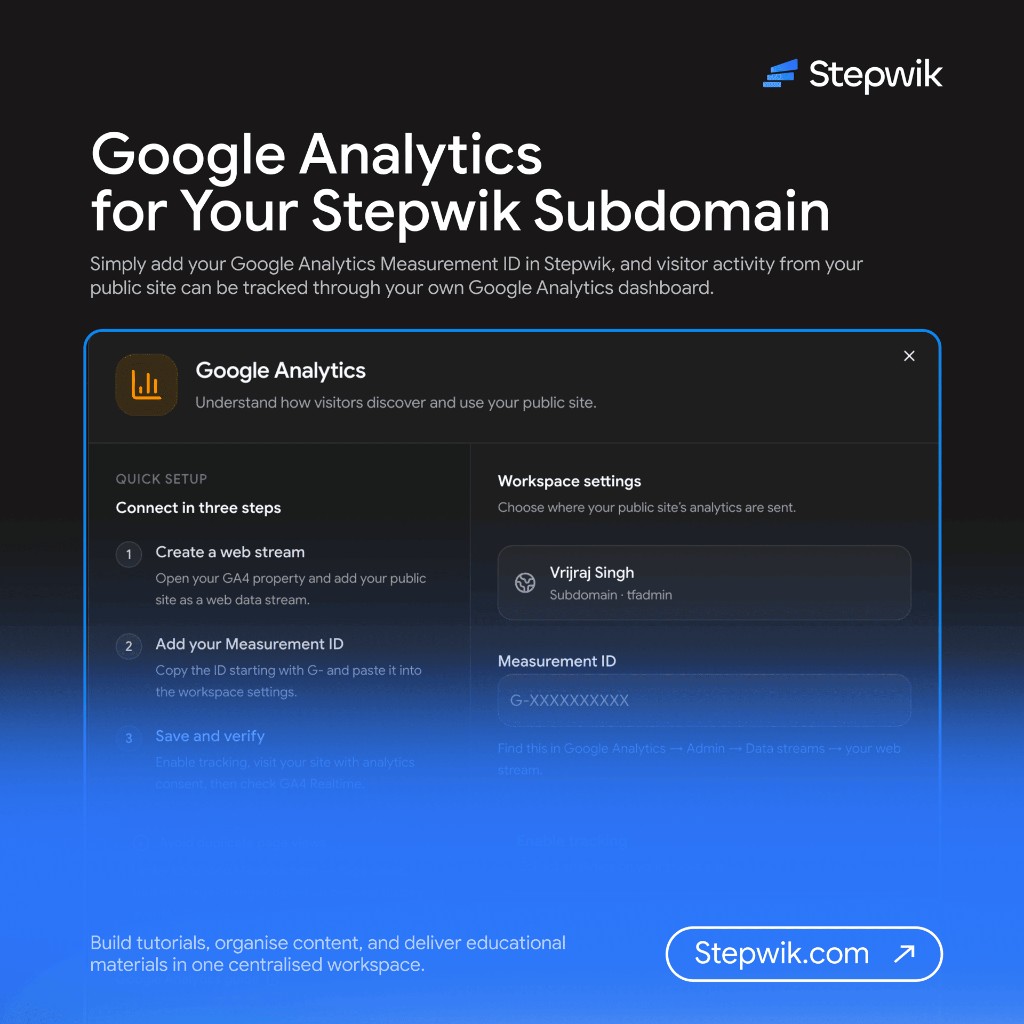
You can now connect Google Analytics to your Stepwik subdomain.
Add your Google Analytics Measurement ID in Stepwik, and visitor activity from your public site can be tracked through your own Google Analytics dashboard.
This gives organizations another way to understand:
- Visitor acquisition
- Traffic sources
- Page activity
- User behavior
- Content performance
Your Stepwik learning experience can now become part of your existing analytics workflow.
Check the Google Analytics docs.
Mermaid Diagrams in the Codelab Editor
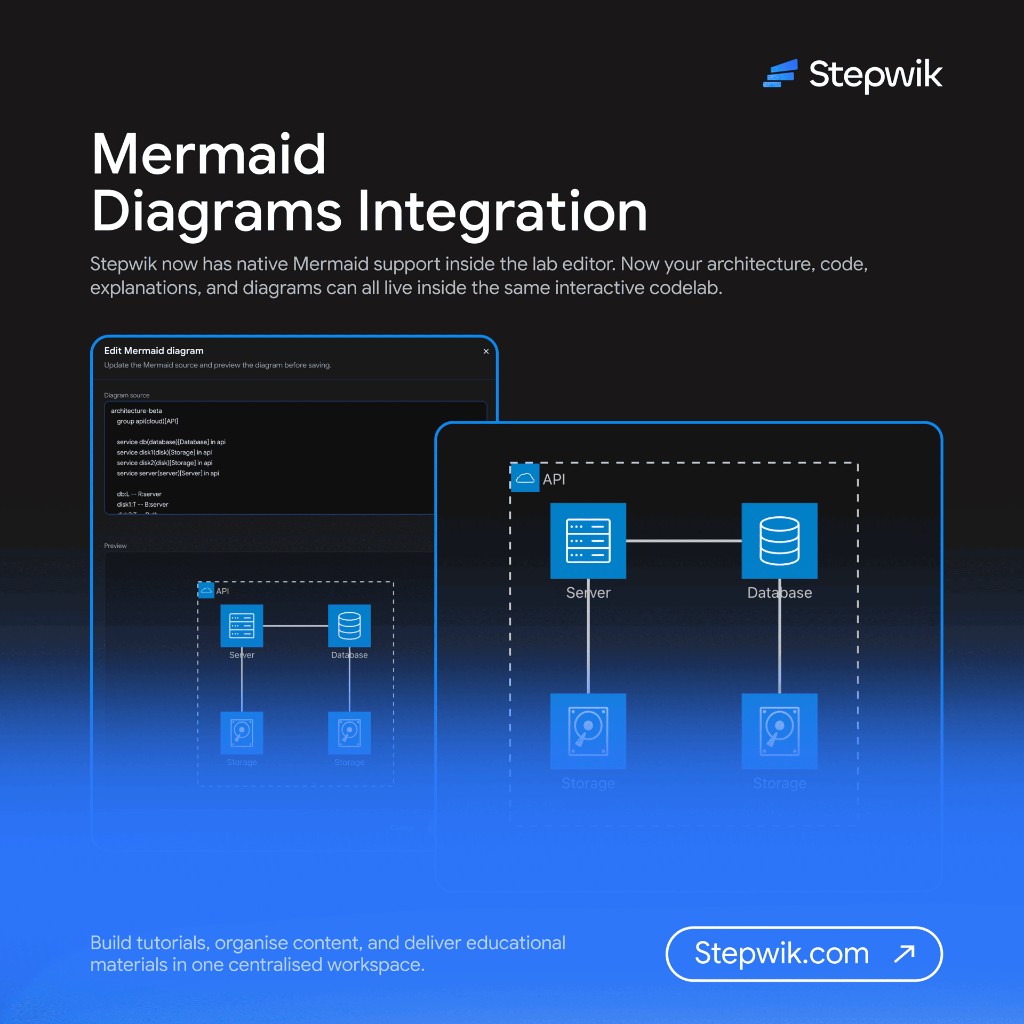
Technical documentation often needs more than text and code.
Stepwik now has native Mermaid support inside the lab editor.
Type /mermaid to insert a Mermaid diagram block, then write or paste your Mermaid source.
The diagram renders directly inside your codelab, with no mermaid.live link or separate Mermaid account required.
What can you create?
- Architecture flowcharts
- API sequence diagrams
- Workflow diagrams
- ER diagrams
- State machines
- Process diagrams
Because the Mermaid source remains editable as text, diagrams can evolve alongside your technical content.
Now your architecture, code, explanations, and diagrams can all live inside the same interactive codelab.
Check the Mermaid docs.
Introducing Figma Integration
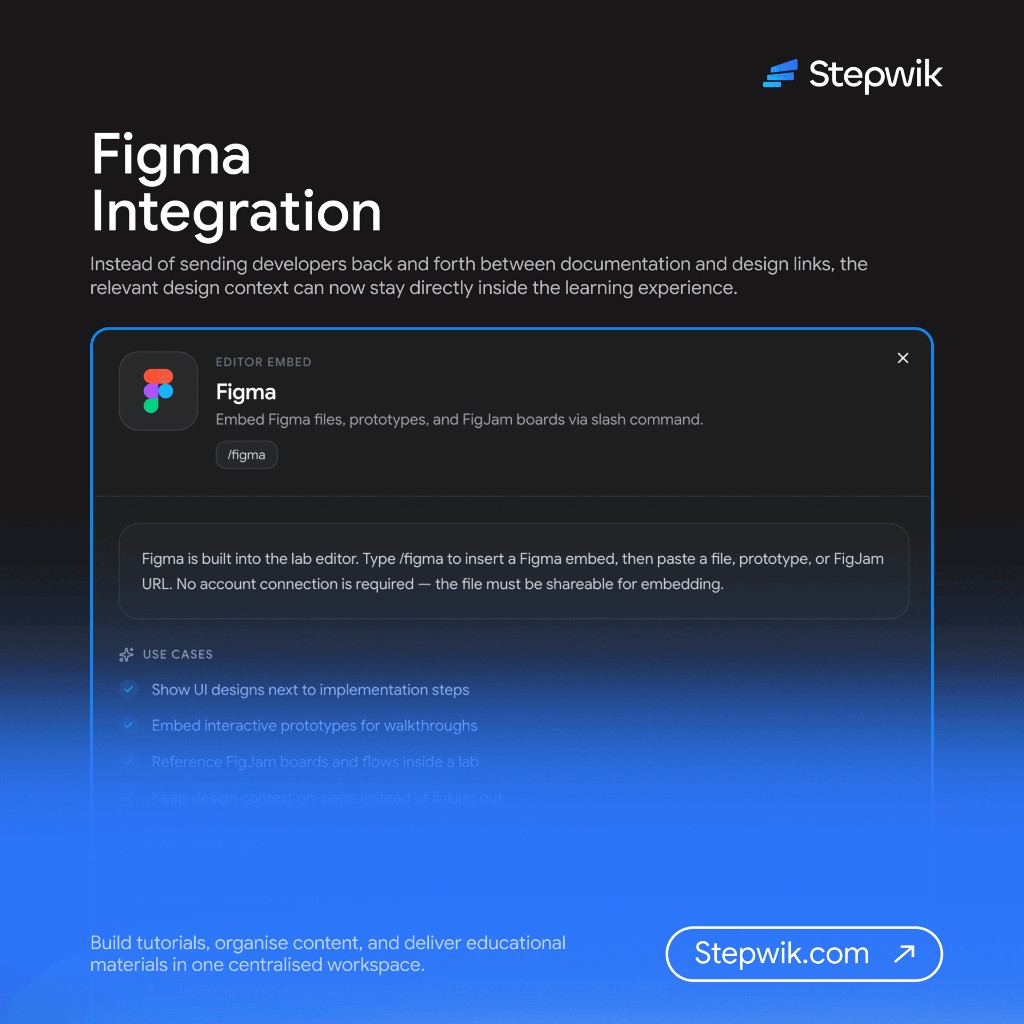
Design context belongs next to implementation.
We’re excited to introduce Figma embeds directly inside the Stepwik lab editor.
Type /figma and paste a shareable Figma file, prototype, or FigJam URL.
The content is embedded directly into the lab. No Figma account connection to Stepwik is required. The source simply needs the appropriate sharing permissions for embedding.
Use Figma embeds to
- Show UI designs alongside implementation steps
- Embed interactive prototypes for walkthroughs
- Reference FigJam boards and user flows
- Explain design-to-code workflows
- Keep design context alongside technical instructions
Instead of sending developers back and forth between documentation and design links, the relevant design context can now stay directly inside the learning experience.
Check the Figma docs.
Built for Better Developer Engagement
These updates are part of our continued focus on making Stepwik a better platform for Developer Advocacy, Developer Education, and interactive technical content.
- Authors can create better content with AI
- Developer advocates can understand how developers engage with it
- Readers can track their learning
- Teams can bring code, diagrams, designs, analytics, and interactive instructions together in one place
Create. Teach. Measure. Improve.
Related docs

Ship your next codelab today
Turn docs and repos into interactive learning. Free to start, built for creators, trainers, and teams.
No credit card required