
Release notes
Smart Navigation, Image Zoom & Enterprise API Suite
This release focuses on giving creators more stylistic control and providing organizations with the tools they need to integrate Stepwik content into their own ecosystems.


Vrijraj Singh, Rohan Patel
2 authors
Overview
Since our launch in January 2026, we’ve been listening closely to how you build. You told us you needed more control over the "active doing" part of learning.
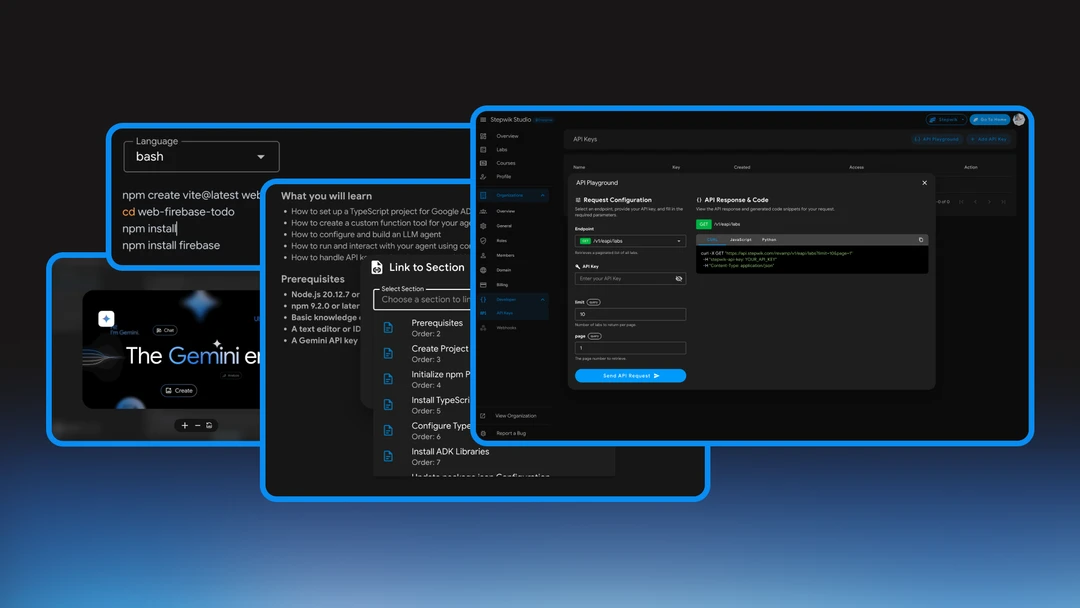
This release focuses on three core pillars: visual precision, content navigation, and enterprise-grade integration. We’ve empowered authors with better editing tools and provided organizations with the infrastructure to treat Stepwik as a headless content source.
Interactive Image Zoom
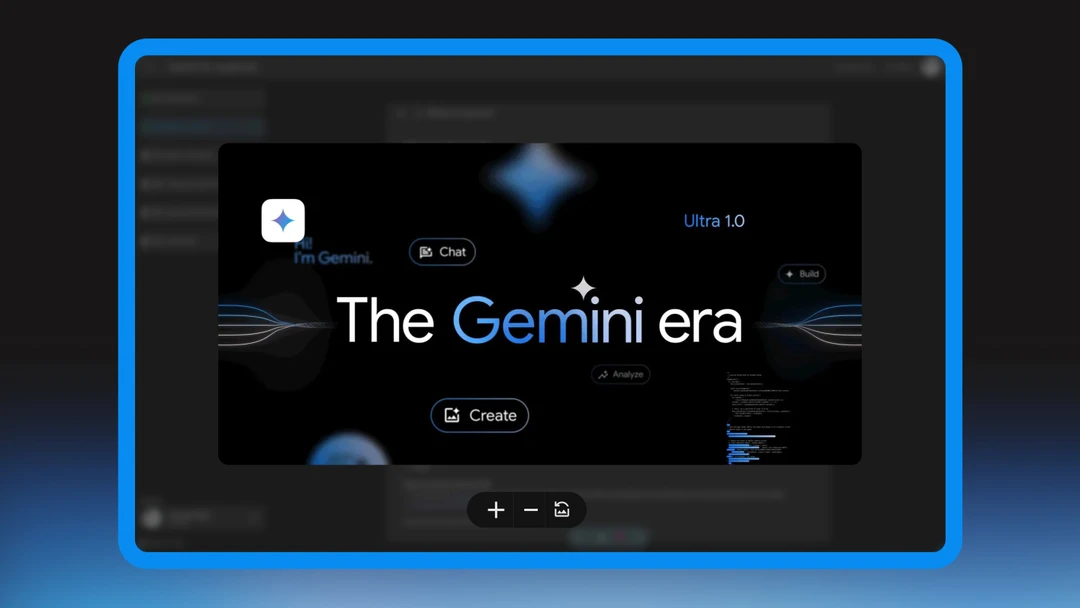
Static screenshots shouldn't be a bottleneck for learning. When a developer is looking at a complex infrastructure diagram or a dense UI layout, every pixel matters. We’ve upgraded the learner experience by making visuals more accessible. We’ve upgraded the learner experience by making visuals more accessible.
- Extended View: Any image in a Codelab can now be clicked to open in a full-screen overlay.
- Precision Zoom: High-resolution screenshots can now be magnified, allowing learners to inspect intricate details without leaving the lab environment.
- The Benefit: Reduces "guesswork" and minimizes support tickets caused by illegible visual aids.
Enhanced Codeblocks
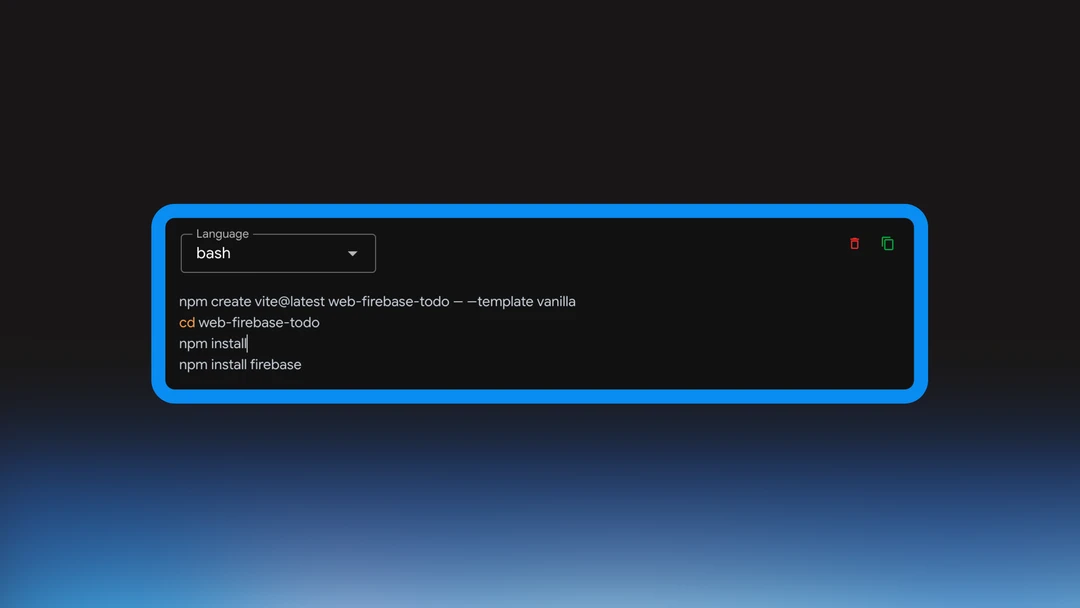
We’ve upgraded the engine behind our code snippets to give authors total control over how their logic is presented. Technical codelabs just got more flexible with better syntax handling.
- Manual Language Selection: No more relying on auto-detection. Use the new dropdown to explicitly set your language for perfect syntax highlighting.
- Expanded Library: We’ve added official support for Perl and several other languages to ensure your specialized snippets look as good as they do in an IDE.
Custom Line Height Editor
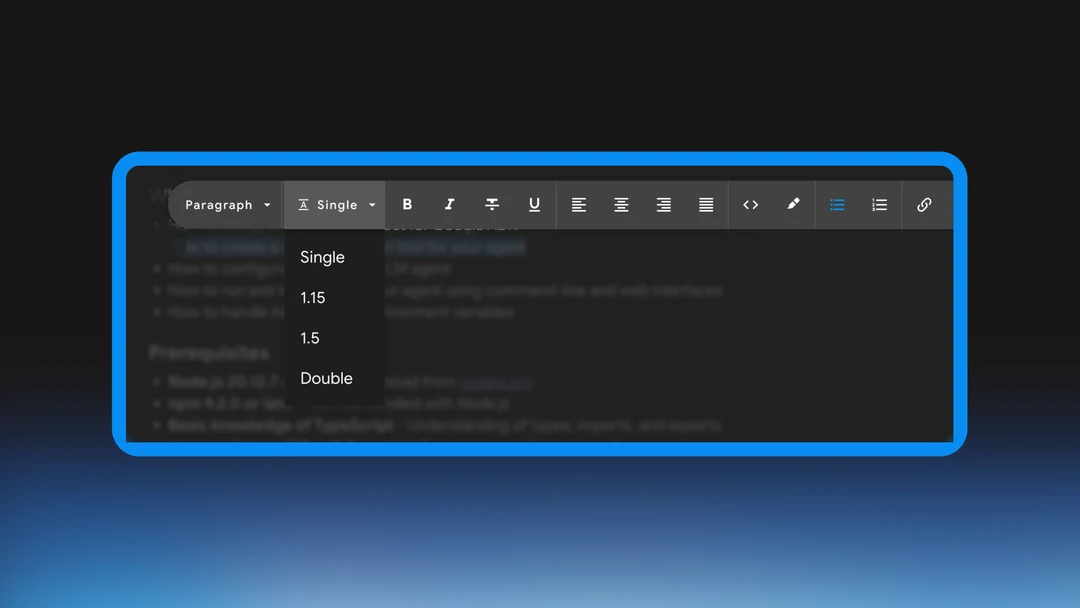
Technical content is dense by nature. To keep learners engaged, we’ve given content creators the tools to make their text more approachable.
- Typographic Control: You can now adjust line height directly within the editor.
- The Result: Give your tutorials "breathing room," reducing eye strain and helping users navigate long-form documentation without feeling overwhelmed.
Section Linking & Seamless Navigation
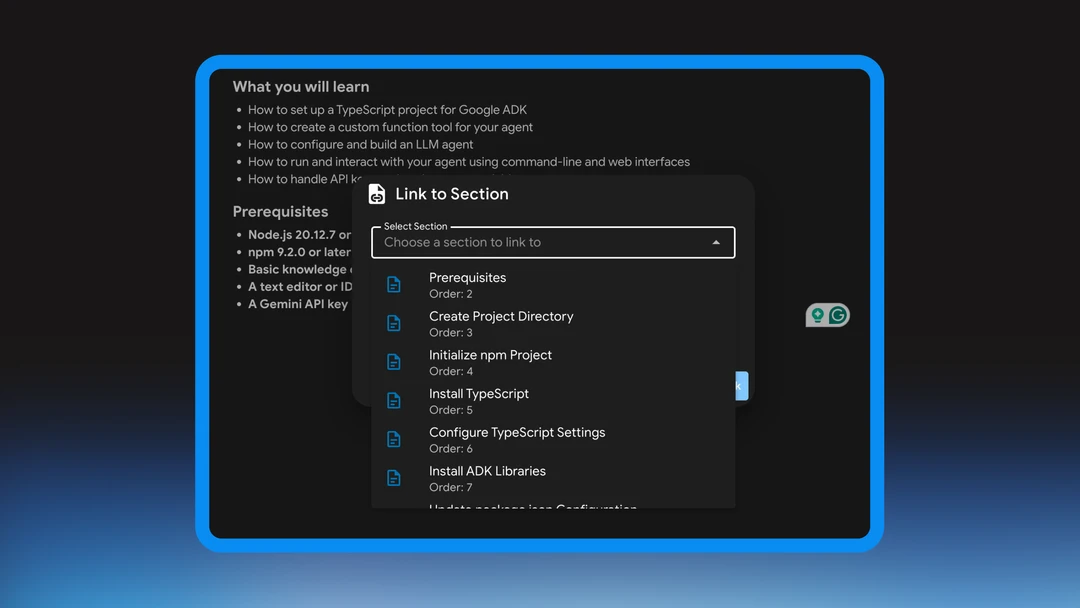
Stop asking users to "scroll back up to step two." You can now create a truly non-linear, interconnected learning experience. Authors can now create a more connected learning experience.
- Direct Anchors: Link to specific headers or sub-sections within a Codelab directly from the editor.
- Instant Teleportation: When clicked, users are instantly navigated to that exact section, making cross-references and advanced notes easier to access than ever.
Check the Editor docs.
Enterprise API Suite
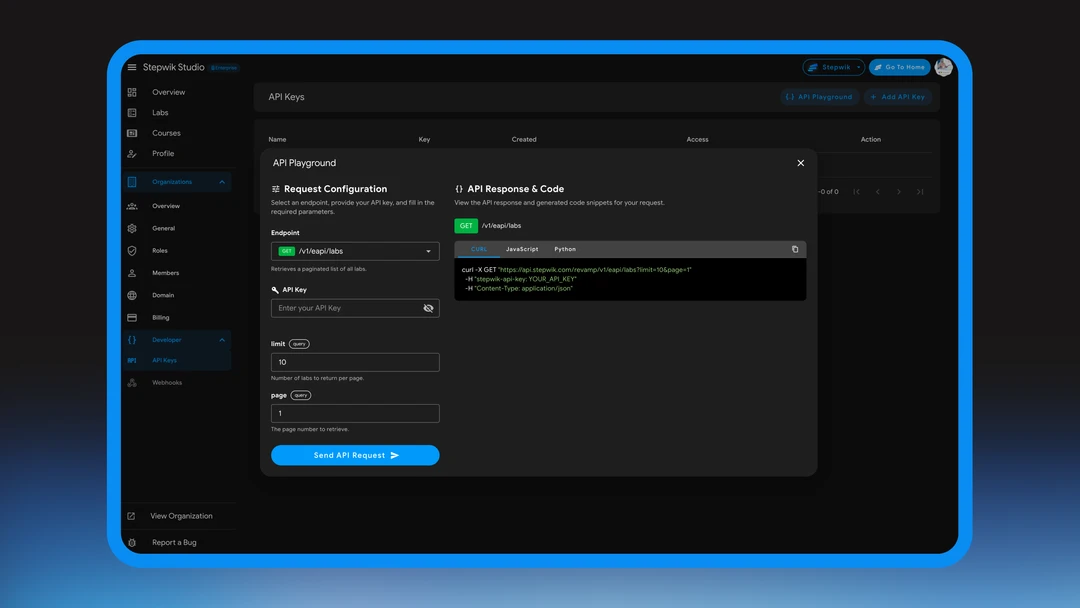
For organizations that want to bring Stepwik’s interactive power into their own ecosystem, we are launching our most robust integration tools yet.
- Content APIs: New endpoints allow you to programmatically fetch your Codelabs and Courses into custom internal portals or white-labeled solutions.
- API Playground: A built-in, live sandbox where developers can test endpoints, view JSON responses, and debug integrations without ever leaving the platform.
Check the API Playground and Developer overview docs.
Other Improvements
Other Improvements
- Reliable Flow: We’ve optimized our navigation engine to ensure section links work instantly across all mobile and desktop browsers.
- Clean Formatting: Fixed minor rendering issues in the editor to ensure your "Extended View" images align perfectly with your text.
Ready to level up your developer experience? Start Building with Stepwik
Related docs

Ship your next codelab today
Turn docs and repos into interactive learning. Free to start, built for creators, trainers, and teams.
No credit card required