Overview
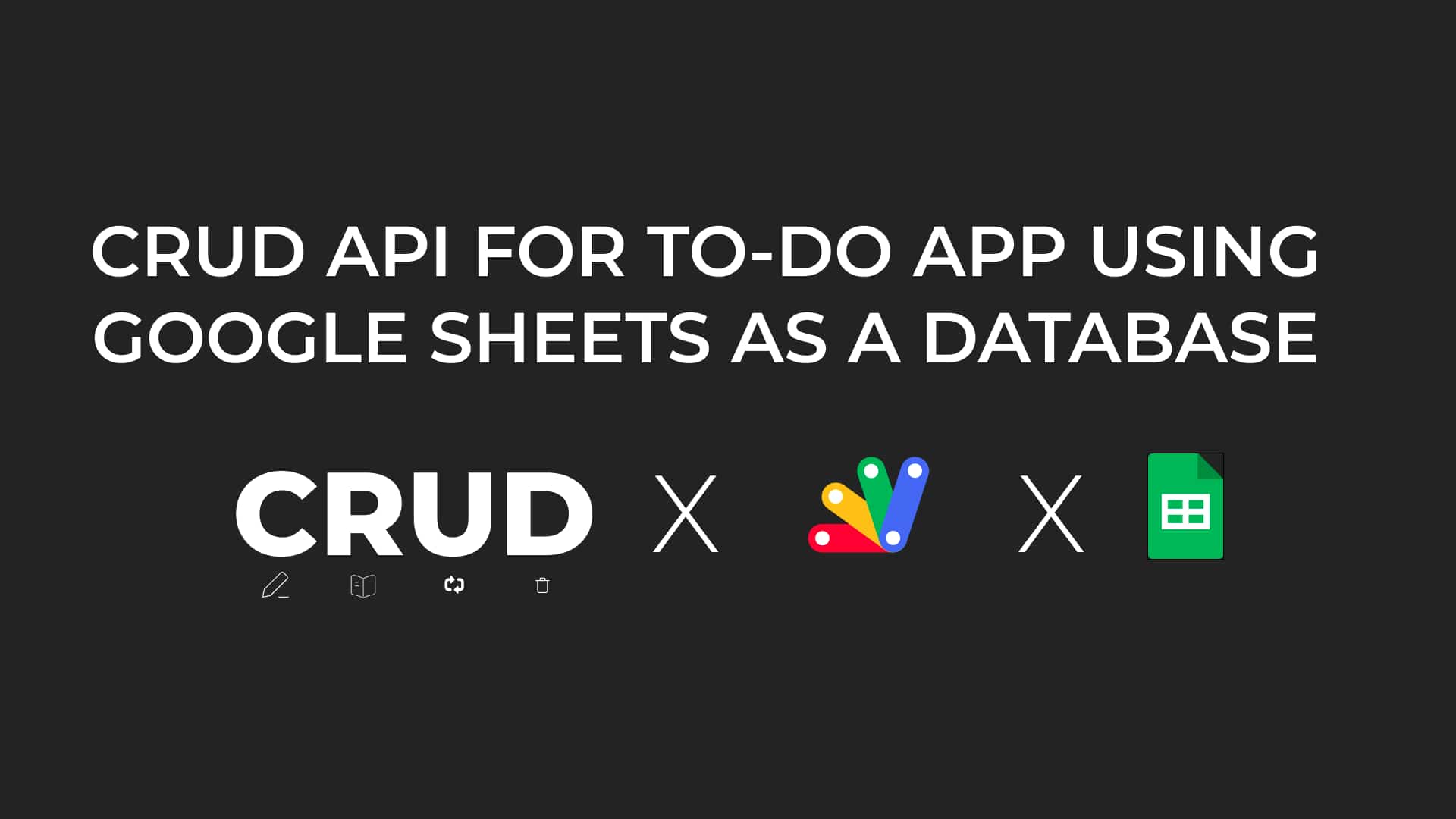
In this comprehensive tutorial, we guide you through building a CRUD API for a to-do app using Google Sheets as the backend database and Google Apps Script for server-side logic. You’ll learn how to handle Create, Read, Update, and Delete operations efficiently, set up routing for API endpoints, and ensure data consistency. This step-by-step guide also includes potential improvements such as adding authentication, pagination, and advanced filtering to make your API more robust and scalable. Whether you're a beginner or looking to expand your skills, this tutorial equips you to create powerful tools with Google Workspace.
JavaScriptGoogle Cloud
Join Stepwik
Build and share what you know
Create interactive labs and courses that help developers learn faster — then publish them to your network.
- Create labs
- Share with learners
- Grow your audience